

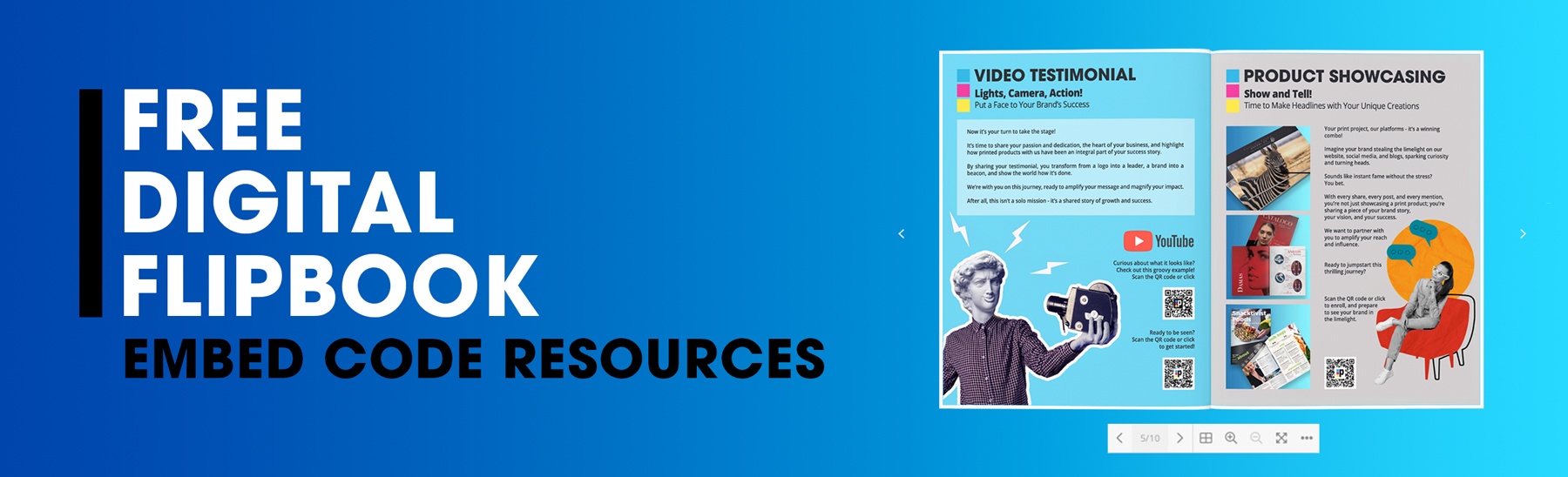
Turn your publications into page-turning experiences! PrintingCenterUSA's digital flipbooks offer two powerful ways to share your content online:
1. Share Link URL: A Share Link URL is a web address that lets you share your digital flipbook anywhere online, like social media or email. See example here
How to Get Your Share Link URL:
When you place an order and approve your proof, you'll get access to your Share Link URL
Quick Steps:
1. Login to your printingcenterusa.com account
2. Go to the My Orders page and locate the order
3. Click the blue "Free Digital Flipbook" button
4. Give your project a Title and Description
5. Click the blue "Share Link" text and the URL with your digital flipbook will open in a new tab in your browser
6. Copy the entire URL, paste and share anywhere you'd like!
2. Embed Code: Embed code is a snippet of HTML code that allows you to display your digital flipbook directly on your website. See example here below of embedded iframe flipbook:
How to Get Your Embed Code for Digital Flipbooks:
When you place an order and approve your proof, you'll get access to your iframe HTML Embed Code
Quick Steps:
1. Login to your printingcenterusa.com account
2. Go to the My Orders page and locate the order
3. Click the blue "Free Digital Flipbook" button
4. Give your project a Title and Description
5. Click the gold "Copy" button to the right of the "iframe embed code" and the entire code block will be copied to your clipboard
6. Open your website editor and add a custom HTML module
7. Paste the iframe embed code and watch it come to life! Now your embed code will be visible on any webpage where you successfully embed this HTML code (for more details on platform specific help, see resources below)
PRO TIP: You can edit the width that your digital flipbook will display by changing the default max width from 700px to 1800px for example in the iframe code block.
Helpful Resources to assist you when using our Flipbook Design Embed Code for your order's artwork on your site.
- Helpful Resources for Wordpress
